No products in the basket.
October 3, 2026
Marketplace plugins for WooCommerce: XML feeds and connectors for Skroutz, BestPrice, Shopflix, Google, Facebook, Trendyol and Temu
What WooCommerce needs to sell on Skroutz, BestPrice, Shopflix, Google Shopping, Facebook and Instagram Shop, Trendyol and Temu: feeds, orders and tracking.
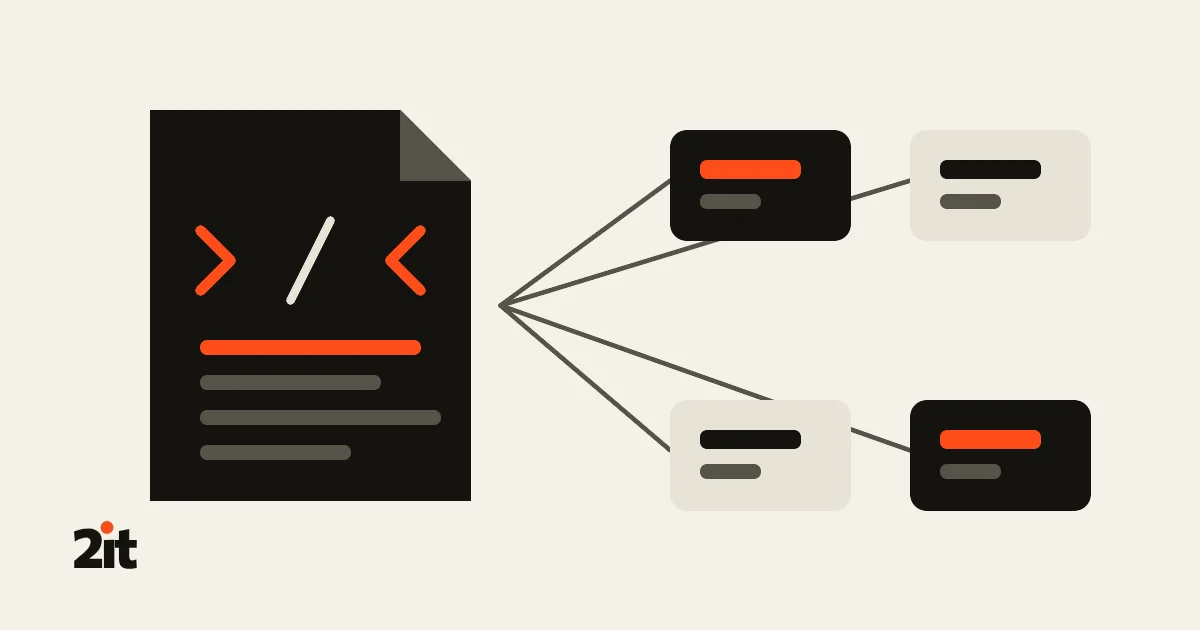
For your products to show on Skroutz, BestPrice, Shopflix, Google Shopping, Facebook and Instagram, Trendyol or Temu, WooCommerce has to “talk” to each platform. Plugins do that. In our article on where a Greek e-shop can sell we covered the channels. Here we look at what each one needs technically, which plugins exist, and why.
Three pieces: feed, orders, tracking
- Product feed (XML). A file with all your products, prices, stock and shipping times, which the platform reads at regular intervals. Every platform needs one. If it shows the wrong price or stock, you sell something you don’t have, or at the wrong price.
- Order connection. Where the customer buys inside the platform (Skroutz Marketplace, Shopflix, Trendyol, Temu), the order has to reach WooCommerce, so stock goes down and you don’t sell the same item twice.
- Tracking. Skroutz and BestPrice provide their own tracking code, so you can see which of their visits turned into sales.

At a glance
| Platform | Product feed | Orders and stock | Tracking |
|---|---|---|---|
| Skroutz | Free and paid | Paid (Web Expert, WPSlash) | Skroutz Analytics |
| BestPrice | Free and paid | Not needed: the purchase happens on your site | BestPrice 360 |
| Shopflix | Free (Product Feed PRO) and paid | Paid (Web Expert) | – |
| Google Shopping | Free, official from Google and WooCommerce | Not needed | In the same plugin |
| Facebook and Instagram Shop | Free, official from Meta | Not needed: the purchase happens on your site | Meta Pixel, in the same plugin |
| Trendyol | Paid (Web Expert, WPSlash) | Paid (Web Expert, WPSlash) | – |
| Temu | Paid (M2E) | Paid (M2E) | – |
Skroutz: XML feed and Smart Cart
Skroutz reads your products from an XML feed. For the feed there are free options:
- XML Feed for Skroutz & BestPrice for WooCommerce by Digital Challenge (free, 600+ installs, recently updated). It groups variations by size, the way Skroutz asks.
- Product Feed PRO by AdTribes (free, 80,000+ installs): one plugin for Skroutz, BestPrice, Shopflix, Google and other channels together. The paid Elite version adds Polylang and WPML support and fields such as GTIN and brand.
- Papaki’s older Skroutz and BestPrice plugin has many installs, but hasn’t been tested with the last three WordPress releases.
On Skroutz Marketplace, the so-called Smart Cart, the customer buys inside Skroutz. The order lands in Skroutz’s merchant panel, and to have it arrive in WooCommerce on its own you need a connection to the Orders API and a webhook. Skroutz doesn’t share the customer’s phone and email, because of GDPR.
- Web Expert: Skroutz Marketplace (€129) for orders: accept or reject from WooCommerce, vouchers, lockers and sending invoices to Skroutz. Paired with Skroutz XML Feed (€129). If you want stock and price to update straight away, without waiting for the next XML read, there’s also Skroutz Products API (€69).
- WPSlash: Skroutz Marketplace & XML on the WooCommerce marketplace does the feed, orders and Products API together, with a yearly licence ($99 a year).
For tracking, Skroutz has its own plugin, Skroutz Analytics for WooCommerce, which measures sales and shows Skroutz reviews on the product page. It hasn’t been updated in three years, though, so test it well before installing.
Our own plugin: Skroutz for WooCommerce and Skroutz & BestPrice XML Feeds.
BestPrice
On BestPrice the customer buys on your own site, so you only need a feed and tracking. The free Skroutz plugins above also produce an XML for BestPrice. Web Expert also has a separate BestPrice XML Feed (€129), because the two platforms don’t ask for exactly the same thing. For tracking there’s the free BestPrice Analytics Integration (recently updated), which adds the BestPrice 360 code.
Shopflix
Shopflix works like Skroutz Marketplace: a feed for the products and a connection for the orders. For the feed, Product Feed PRO has a ready Shopflix template, and Web Expert has Shopflix XML Feed (€129). For orders, Shopflix Connector (€129) brings them into WooCommerce by webhook. We couldn’t find a free plugin for Shopflix orders.
Our own plugin: SHOPFLIX for WooCommerce (coming soon).
Google Shopping
Here the best option is free and official: Google for WooCommerce (by WooCommerce with Google, 800,000+ installs) sends your products straight to Google Merchant Center, with no XML, and lets you start Performance Max campaigns. If you prefer a feed, there’s Product Feed PRO or Web Expert’s Google Merchant Product Data Feed (€129).
Facebook and Instagram Shop
For the Meta catalogue there’s the free, official Meta for WooCommerce (by Meta, 400,000+ installs). It syncs your products to the catalogue in Commerce Manager, for the Facebook and Instagram storefront and for catalogue ads, and adds the Meta Pixel to measure your ads. No order connection is needed: since 2025 the customer completes the purchase on your own site. If you prefer a feed, Product Feed PRO also produces a Facebook catalogue. The Pixel tracks visitors, so it too must run after cookie consent.
Trendyol
We couldn’t find a free plugin for Trendyol. The options:
- Web Expert: Trendyol Products XML API (€129) for products and Trendyol Orders API (€129) for orders.
- WPSlash: Trendyol Integration on the WooCommerce marketplace sends products, prices and stock, brings in orders, and names Greece explicitly ($129 a year).
Our own plugin: Trendyol for WooCommerce (coming soon).
Temu
Temu opened its Seller Center to Greek sellers in 2025. The most mature WooCommerce connection we found is M2E Temu Connect: it lists products, syncs stock and brings in orders. It has a 30-day free trial and then a subscription, and it names Temu’s European market but not Greece specifically, so confirm before you pay. There’s also a free project on GitHub, but it’s at an early stage and we don’t recommend it for a live shop.
Prices are those listed when this article was written. We have no partnership with any of these companies.

Our own plugins
We also build WooCommerce plugins that cover these needs, and we use them on the stores we make. We list them here as one more option, next to the ones above. Each plugin is sold on its own, as a one-time purchase with one licence per site.


Before you set them up: what to check
- One stock level for every channel. If you sell on three platforms and the orders don’t reach WooCommerce, sooner or later you’ll sell something you don’t have. Marketplaces penalise that.
- How often the feed refreshes. With a large catalogue, generate the XML from a real server cron job rather than on site visits, so it doesn’t slow the shop down.
- Correct product data. EAN or manufacturer code, brand, shipping time, and variations the way each platform asks. Most feed problems are missing data, not the plugin.
- What the feed shows. It’s a public file. Make sure it doesn’t contain cost prices or other internal details.
- Credentials and tokens. Skroutz, Shopflix or Trendyol tokens give access to your orders. Only put them in a plugin from a known source that stays updated, and never in “free” copies of paid plugins, because known, published security holes are the first target.
- Consent for tracking. The Skroutz and BestPrice codes track visitors, so they must run after cookie consent. See our article on cookies and Consent Mode.
Want your e-shop on Skroutz, Shopflix or Trendyol without double work? We set up the feeds and order connections, with one stock level for every channel, and keep them updated.
Sources: Web Expert, XML feeds and marketplaces · WooCommerce.com, Skroutz Marketplace & XML · Product Feed PRO · Google for WooCommerce · M2E Temu Connect. Platforms change their specs often: check each one’s merchant guidelines.
New project or maintenance
Let's talk
Tell us what you need in two lines. We'll reply to set up a short intro call online — or in person, if needed.
21 2121 2065
info@2itwebstudio.gr
Phone Mon–Fri 09:00–17:00 (Athens time) · Meetings by appointment only — online or, when needed, in person.
Send us a message
Your details are only used to reply to you. Privacy policy